Modern. Minimal. Powerful
A modern Neovim configuration built for productivity and a clean development experience.
Installation
git clone https://github.com/galaxyvim/starter ~/.config/nvim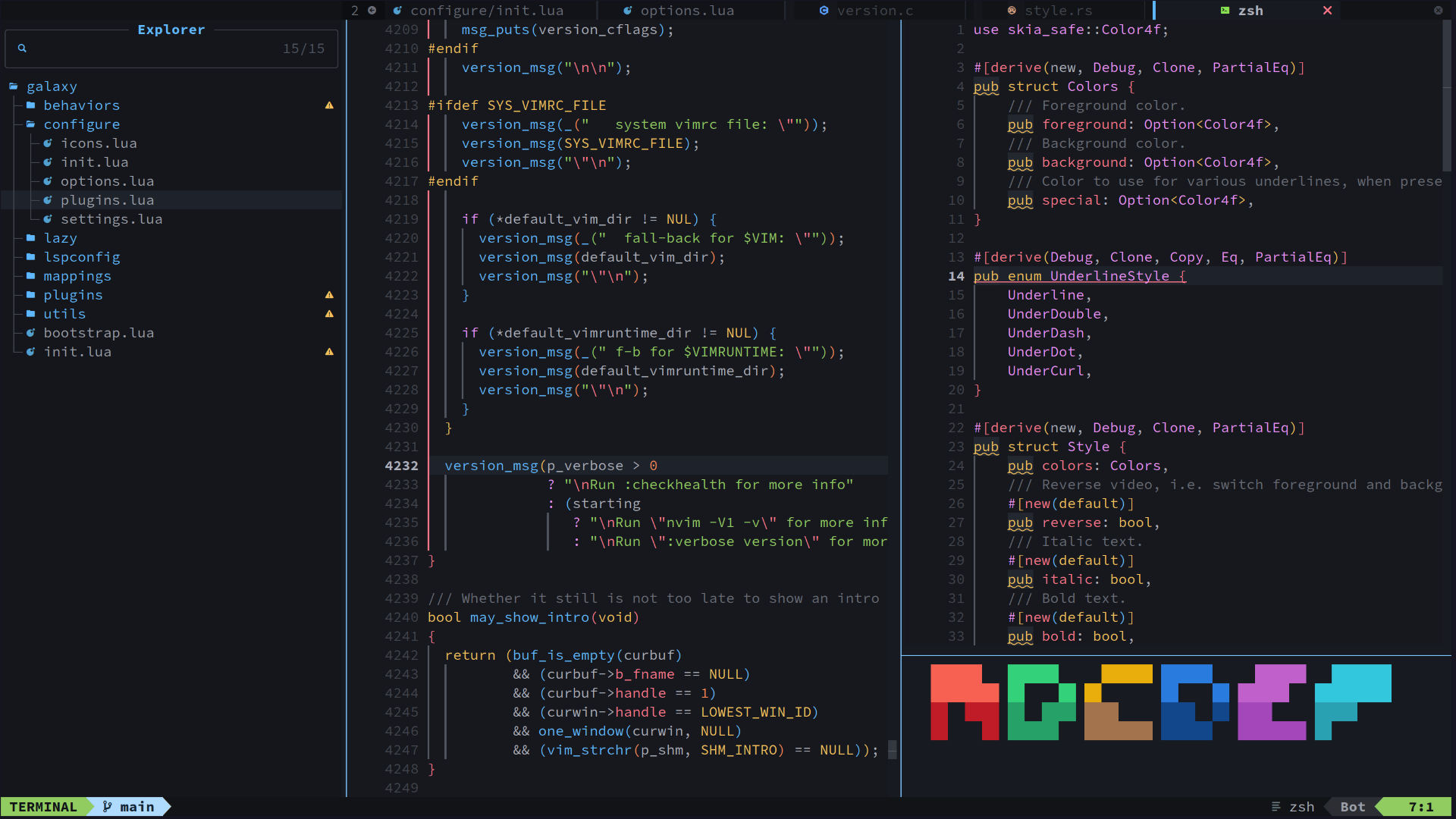
A modern Neovim configuration built for productivity and a clean development experience.
git clone https://github.com/galaxyvim/starter ~/.config/nvimHigh-speed, lightweight setup ensuring responsive editing, instant feedback, and efficient handling of all coding features with minimal system load.
Language intelligence system that provides autocomplete, snippets, formatting, linting, diagnostics, code actions, auto pairs, and enhanced completion UI with icons for a fast and context-aware coding experience.
Clean and modern interface with smooth animations, rich icons, polished statusline, and refined visual elements that create a distraction-free and pleasant Neovim experience.
Fast fuzzy searching, smart pattern matching, and quick buffer switching for instantly finding files, text, and symbols across your project.
Modern syntax parsing with accurate highlighting, improved indentation, smart folds, context display, auto-tagging, and textobjects for precise code selection.
Utilities that improve coding workflow with better navigation, visuals, and productivity features inside the editor.
Easily customize everything using a clean modular Lua config - change themes, plugins, keymaps, UI, and language support without touching core files.
Full Git workflow inside Neovim with inline change indicators, side-by-side diffs, and a clean interface for staging, committing, and managing branches efficiently.
Fast and reliable lazy-loaded plugin system with organized structure, loading only required features on demand for better performance and clean configuration management.
Integrated debugging support with breakpoints, runtime inspection, and UI controls for testing and troubleshooting code.
Powerful keymaps for fast window navigation, buffer management, commenting, formatting, terminal control, and textobjects - designed to maximize speed and workflow efficiency.
Simple setup with clean, sensible defaults and an intuitive workflow that reduces complexity, making the editor easy to use for both beginners and experienced developers.